Features
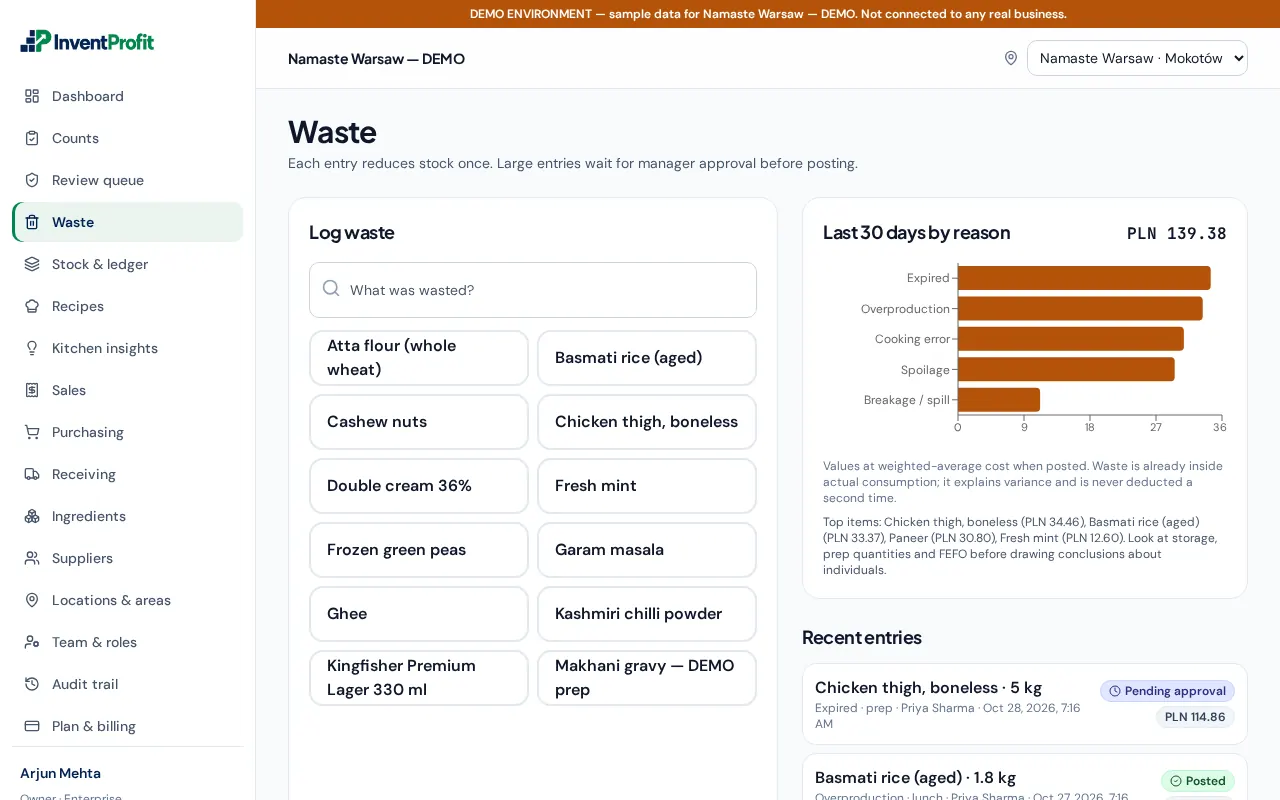
Every screenshot below is the real application, showing the labelled demo organization.
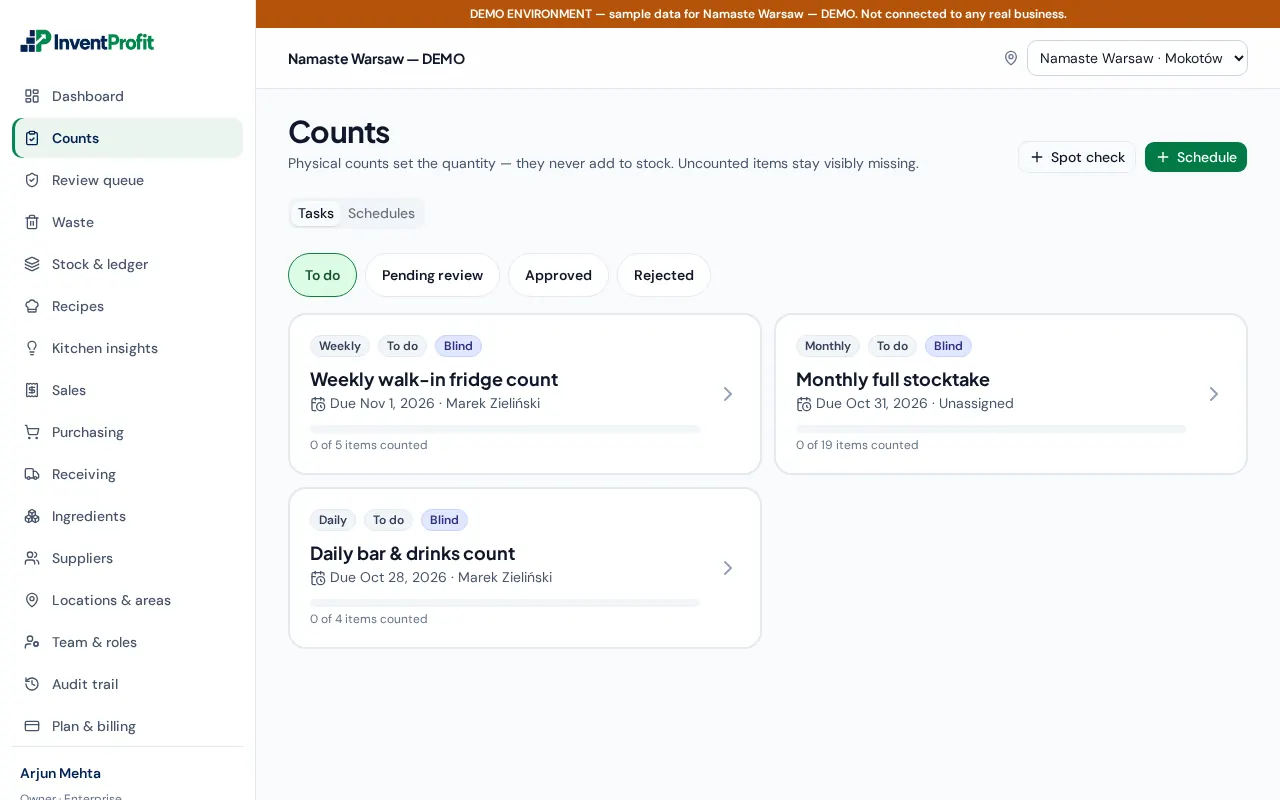
Counts that people actually finish
- Blind counting: counters do not see expected quantities
- Daily, weekly, monthly, yearly and ad hoc schedules per area
- Barcode entry; manager review before stock is adjusted
- Missed and overdue counts flagged on the dashboard
All plans.
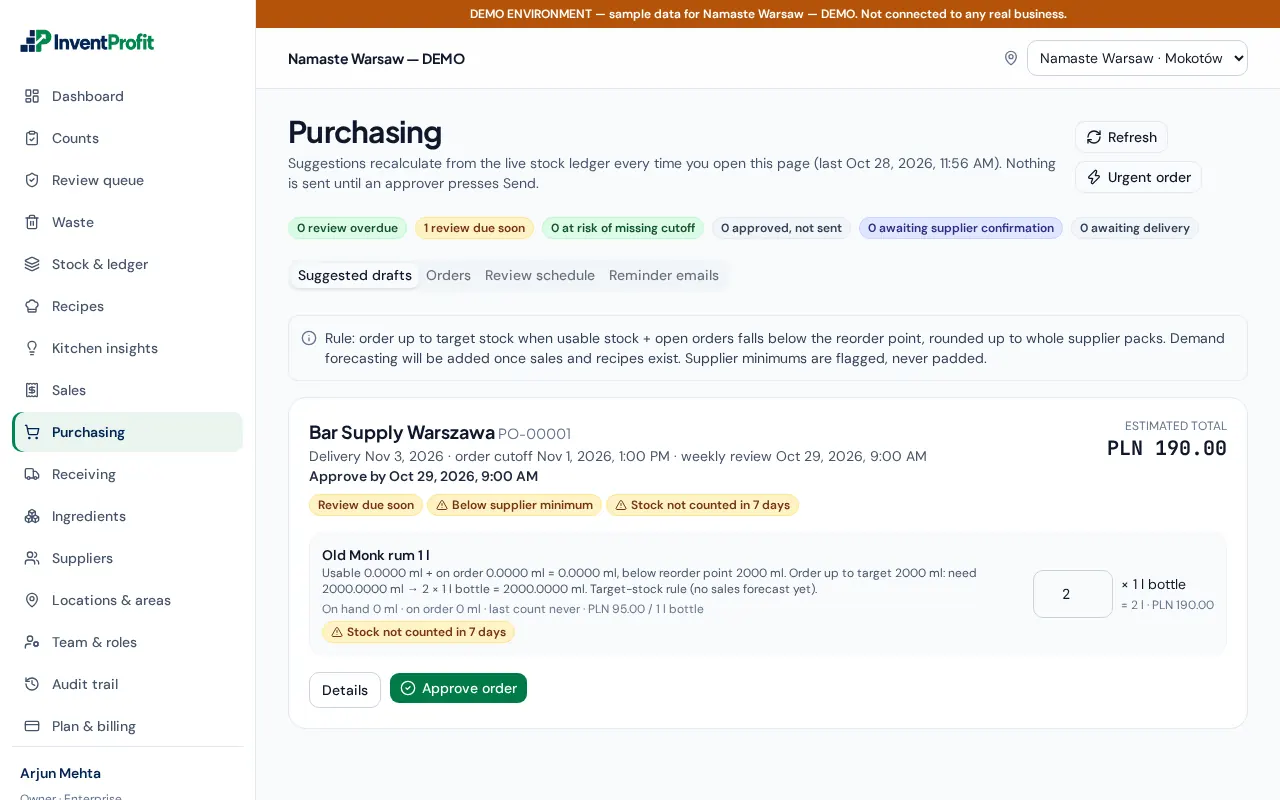
Purchasing with approval
- Manual purchase orders and downloadable POs on every plan
- Suggested orders from the live stock ledger and weekly review schedules (Growth+)
- Supplier email delivery and review reminders (Growth+); manual WhatsApp sharing on all plans
- Approved orders are frozen; changes need re-approval; only receiving increases stock
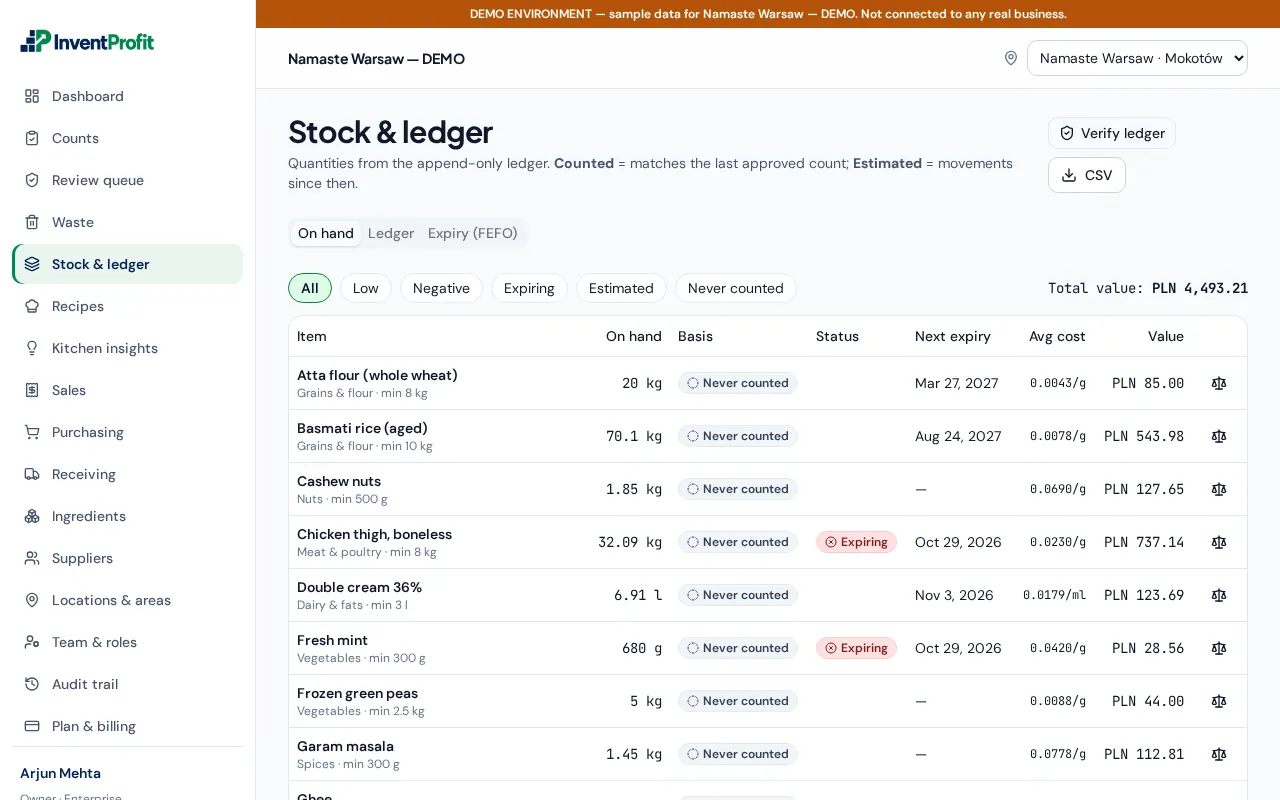
Stock ledger, lots and expiry
- Every movement recorded: receipts, counts, waste, production, sales
- Lots with expiry dates, first-expiring first
- Stock value at average cost — visible only to permitted roles
All plans.
Waste and expiry tracking
- Reasons, quantities and cost per entry
- Approval threshold for high-value write-offs
- Waste trend against purchases on the dashboard
All plans.
Kitchen costing (restaurants)
- Recipes and sub-recipes, production batches
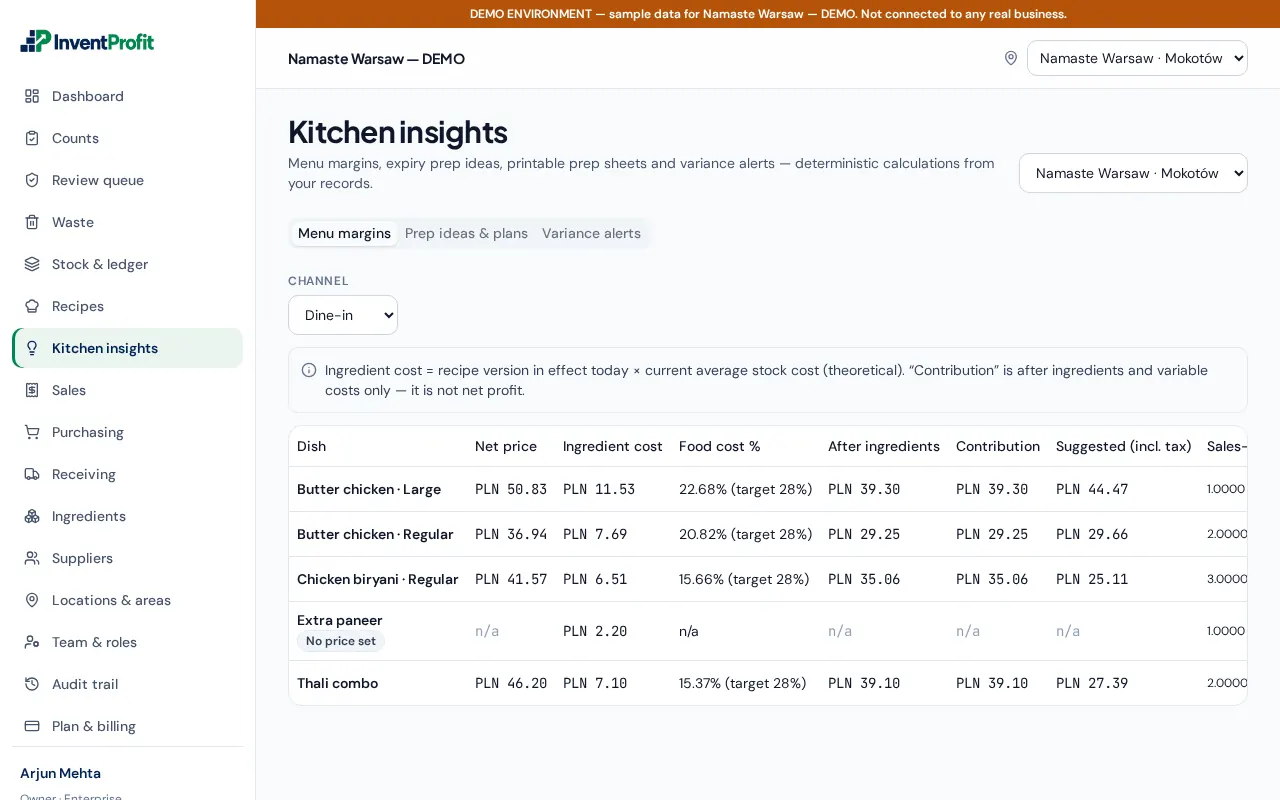
- Menu margins and food-cost %, prep sheets, expiry prep ideas
- CSV sales mapping and actual-versus-theoretical usage where data is sufficient
- Variance alerts after approved counts (Business)
Growth and Business.